
Zapier is the most widely used workflow automation platform in the world, connecting over 8,000 apps without requiring any code. For UK businesses, it offers a fast way to automate repetitive tasks – email routing, CRM updates, invoice processing, and lead management – with setup times measured in minutes rather than weeks.
But Zapier is not the cheapest option, and its limitations become apparent as your automations grow more complex. This review covers what Zapier does well, where it falls short, and whether it is the right choice for your UK business in 2026.
FREE QUOTE COMPARISON
Compare AI Tools Quotes from Trusted Suppliers
✓ Expert recommendations tailored to your business
100% free • No obligation • Takes under 2 minutes
- Zapier starts free with 100 tasks/month and paid plans from $19.99/month (Professional, billed annually - roughly £16) - the Team plan at $69/month (about £55) adds shared workspaces, with costs rising sharply past 1,000 tasks per month
- 9,000+ app integrations make it the largest automation library available - connects virtually every UK business tool including Xero, HubSpot, Slack, and Google Workspace out of the box
- Most UK SMEs spend £15-55/month but power users can reach £200+/month on task volume - each multi-step automation counts as one task per trigger, so complex workflows consume quota fast
- Make offers 5-10x better value for complex multi-step workflows at $9-$16/month (roughly £7-13) - Zapier’s strength is simplicity and breadth, not complex logic or conditional branching
- The free plan is genuinely useful for testing 5-10 simple automations before committing - two-step zaps only, but enough to prove ROI before upgrading to multi-step Professional plans
Zapier Pricing for UK Businesses
Zapier uses a task-based pricing model. Every time a Zap runs an action (sending an email, creating a CRM record, updating a spreadsheet), it counts as one task. Your monthly task allowance determines which plan you need.
| Plan | Monthly Price (USD) | Approx. GBP | Tasks/Month | Key Features |
|---|---|---|---|---|
| Free | $0 | £0 | 100 | Two-step Zaps only, unlimited Zaps |
| Professional | $19.99 | £16 | 750 | Multi-step Zaps, filters, formatters |
| Team | $69 | £55 | 2,000 | Shared workspace, unlimited users, premier support |
| Enterprise | Custom | Custom | Custom | SSO, advanced admin, dedicated support, annual billing |
All prices shown are for annual billing. Monthly billing adds approximately 20-33% depending on the plan. Zapier bills in US dollars, so UK businesses face currency fluctuation – the GBP equivalents above are approximate at current rates.
Important: Additional task packs are available if you exceed your monthly limit. Upgrading mid-cycle is common for growing businesses – Zapier prorates the cost.
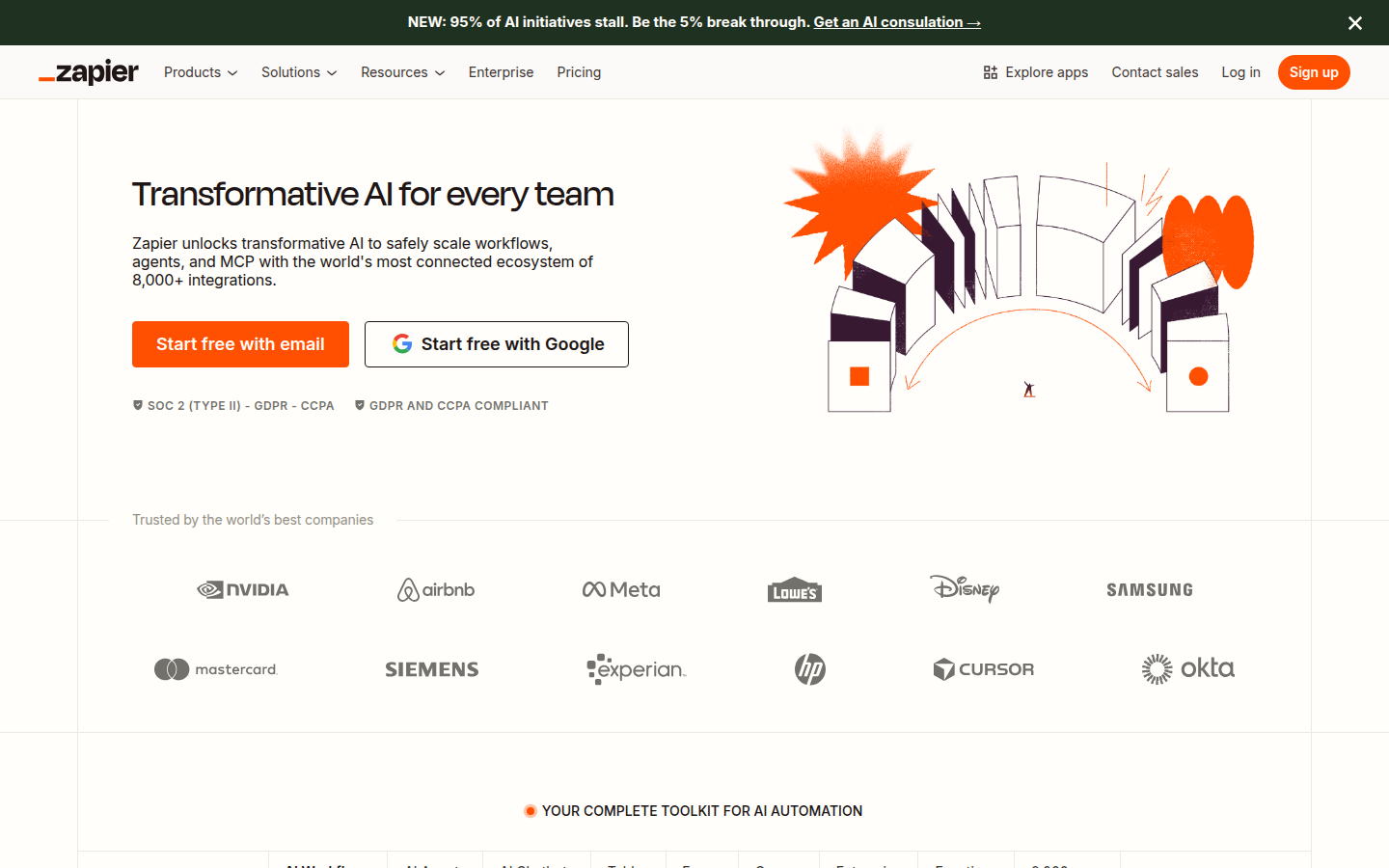
What Zapier Does Well
Zapier’s strengths explain why it dominates the no-code automation market despite not being the cheapest or most powerful option.
Massive App Library
With over 9,000 app integrations, Zapier connects to virtually every business tool a UK SME uses: Xero, QuickBooks, HubSpot, Salesforce, Mailchimp, Slack, Google Workspace, Microsoft 365, Shopify, WooCommerce, and thousands more. The breadth of integrations means you rarely need to build custom connections.
Genuinely Easy to Use
Zapier’s visual editor is the simplest in the category. Non-technical staff can build automations in 10-30 minutes with no training. The guided setup walks you through each step: choose a trigger app, choose an action app, map the fields, test, and activate. This low barrier to entry is Zapier’s core advantage.
Reliability and Uptime
Zapier processes billions of tasks annually with a strong uptime record. For businesses that depend on automations running correctly every time – such as lead routing or payment notifications – this reliability matters more than saving a few pounds per month on a cheaper platform.
AI Features
Zapier has added AI capabilities including natural language Zap creation (describe what you want in plain English), AI-powered formatting, and built-in ChatGPT and Claude integrations. These make it faster to build automations and add AI processing steps to existing workflows.
Where Zapier Falls Short
Zapier’s limitations become more apparent as your automation needs grow beyond simple workflows.
Expensive at Scale
The task-based pricing model means costs escalate quickly for high-volume automations. A business processing 500 invoices per month with a 5-step Zap uses 2,500 tasks – already pushing past the Team plan. At that volume, Make offers the same functionality for roughly half the price.
Limited Complex Logic
While Zapier supports paths (if/then branches), its handling of loops, error handling, and complex conditional logic is basic compared to Make or n8n. Workflows that require iterating over arrays, retrying failed steps, or running parallel branches quickly become cumbersome in Zapier.
No Self-Hosting Option
All data passes through Zapier’s US-based servers. For UK businesses with strict data residency requirements or those handling sensitive personal data, this can be a compliance concern. Zapier is SOC 2 Type II certified and GDPR compliant, but the data physically leaves the UK. n8n offers self-hosting as an alternative for data-sensitive businesses.
Polling Intervals
Free and lower-tier plans check for new data every 15 minutes. The Professional plan reduces this to 2 minutes. For time-sensitive automations (like lead routing where response speed matters), this delay can be significant. Webhooks offer instant triggering but require slightly more technical setup.
FREE QUOTE COMPARISON
Compare AI Tools Quotes from Trusted Suppliers
✓ Expert recommendations tailored to your business
100% free • No obligation • Takes under 2 minutes
Zapier vs Make vs n8n: Quick Comparison
These three platforms dominate the workflow automation market. Here is how they compare on the factors that matter most to UK businesses.
| Factor | Zapier | Make | n8n |
|---|---|---|---|
| Ease of use | Easiest – no learning curve | Medium – visual but more complex | Hardest – developer-friendly |
| App integrations | 9,000+ | 3,000+ | 400+ (plus custom nodes) |
| Pricing (mid-tier) | ~£55/month | ~£25/month | Free (self-hosted) or ~£18/month |
| Complex logic | Basic branching | Strong – routers, iterators, error handling | Full programming flexibility |
| Self-hosting | No | No | Yes – full data control |
| Best for | Non-technical teams, simple automations | Power users, complex workflows | Developers, data-sensitive businesses |
For a deeper comparison including pricing breakdowns and migration advice, see our Zapier vs Make comparison.
Who Should Use Zapier?
Zapier is the right choice for UK businesses that meet most of these criteria:
- Non-technical team – nobody on staff who can write code or configure complex tools
- Simple automations – mostly two or three-step workflows between well-known apps
- Low to moderate volume – fewer than 2,000 tasks per month
- Speed matters more than cost – you want automations running in minutes, not days
- Standard app stack – you use mainstream tools that Zapier already connects to
If your needs include complex multi-branch workflows, high-volume data processing, self-hosting for compliance, or you have developers on staff who can handle a steeper learning curve, Make or n8n will give you more capability for less money.
Getting Started with Zapier
Start with the free plan (100 tasks/month, unlimited Zaps) to test whether Zapier fits your workflow before committing to a paid plan. The most common first automations for UK businesses are:
- Lead notification: When a website form is submitted, create a HubSpot contact and send a Slack message
- Invoice processing: When an email with an invoice attachment arrives, extract data and add to Xero
- Social posting: When a blog post is published, share to LinkedIn and Twitter automatically
- Customer follow-up: When a sale closes in your CRM, trigger a thank-you email sequence in Mailchimp
If you need help setting up automations that integrate with your specific business systems, our AI automation consultants can design and build custom Zapier workflows tailored to your needs.
FREE QUOTE COMPARISON
Compare AI Tools Quotes from Trusted Suppliers
✓ Expert recommendations tailored to your business
100% free • No obligation • Takes under 2 minutes
Our Verdict
Zapier pricing, features, and limitations for UK businesses in 2026. 9,000+ app integrations from £16/month. Compare vs Make and n8n before buying.